Backups
Manage backup destinations, schedules, and backup history in one place. Review recent runs and confirm retention is applied as expected.
Screenshot
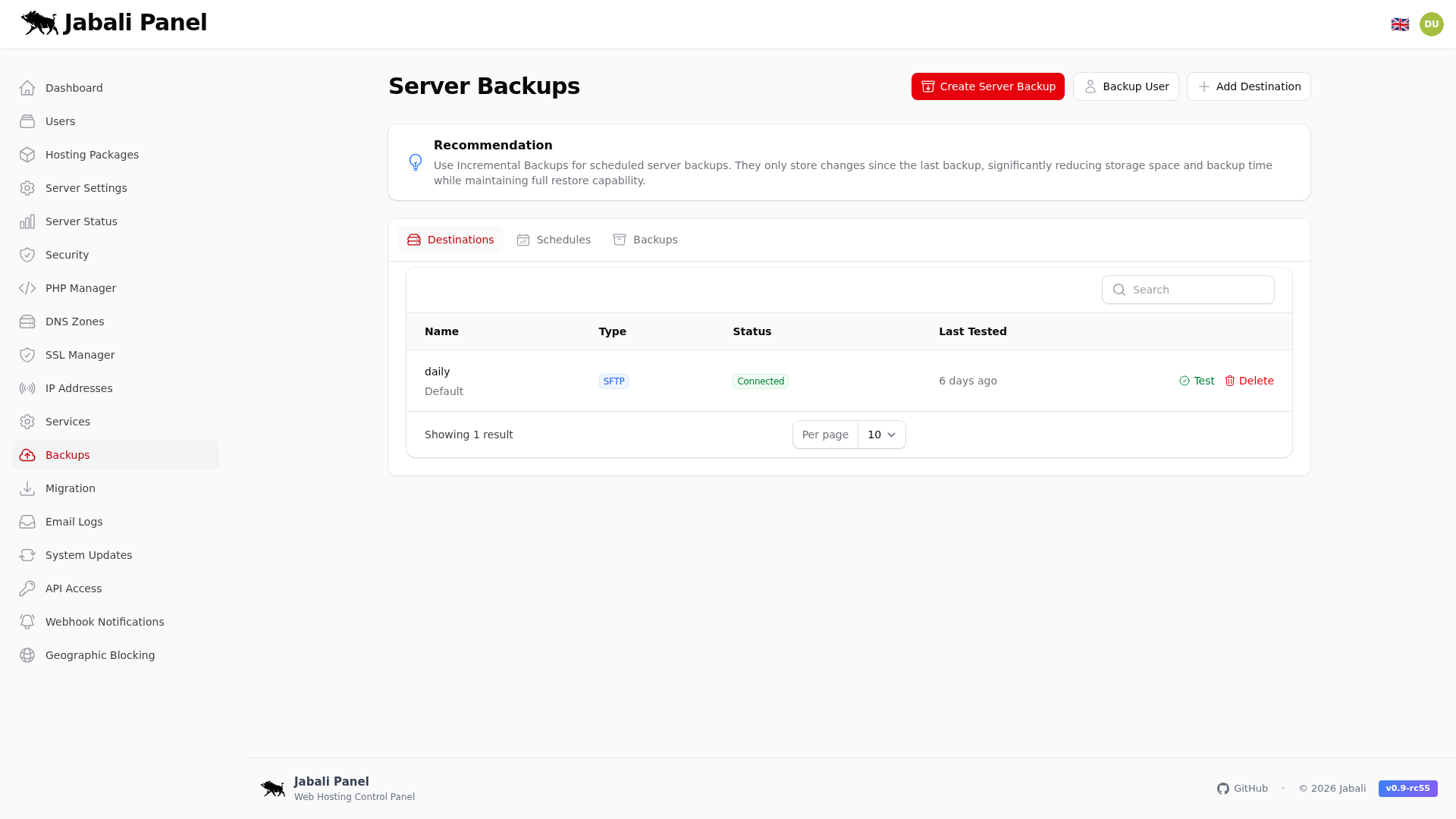
What this page does
- Manage backup destinations, schedules, and backup history in one place.
- Create a daily schedule with remote storage.
- Verify backups weekly using the restore flow.
Typical examples
- First-time setup of backups using recommended defaults.
- Updating an existing configuration and validating the result.
- Troubleshooting a common issue and confirming the fix.
Tabs
This page contains tabs. Each tab is captured and explained below.
Destinations
Remote and local backup targets.
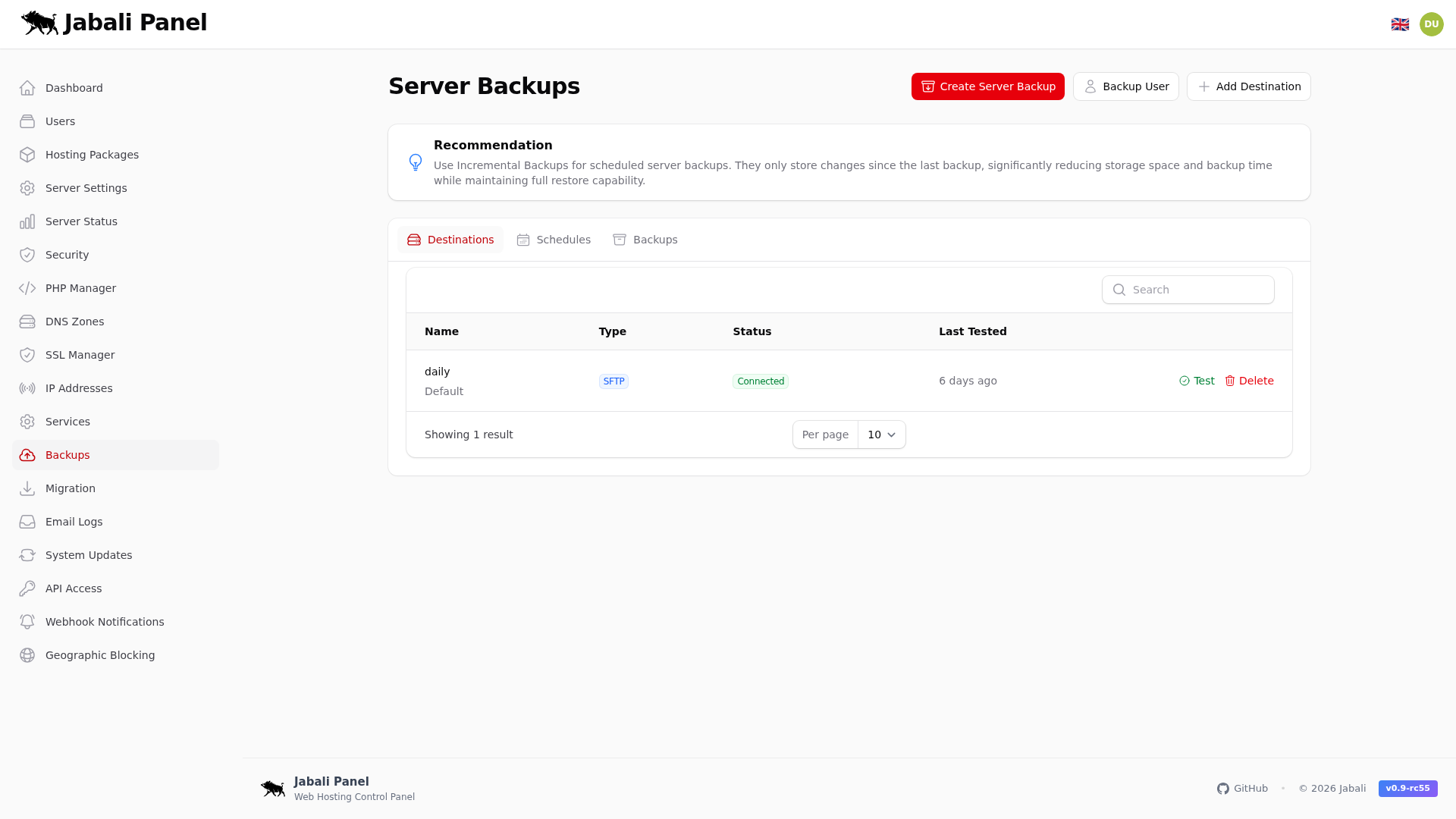
Example:
- Review destinations settings during onboarding or troubleshooting.
Schedules
Backup schedule configuration and retention.
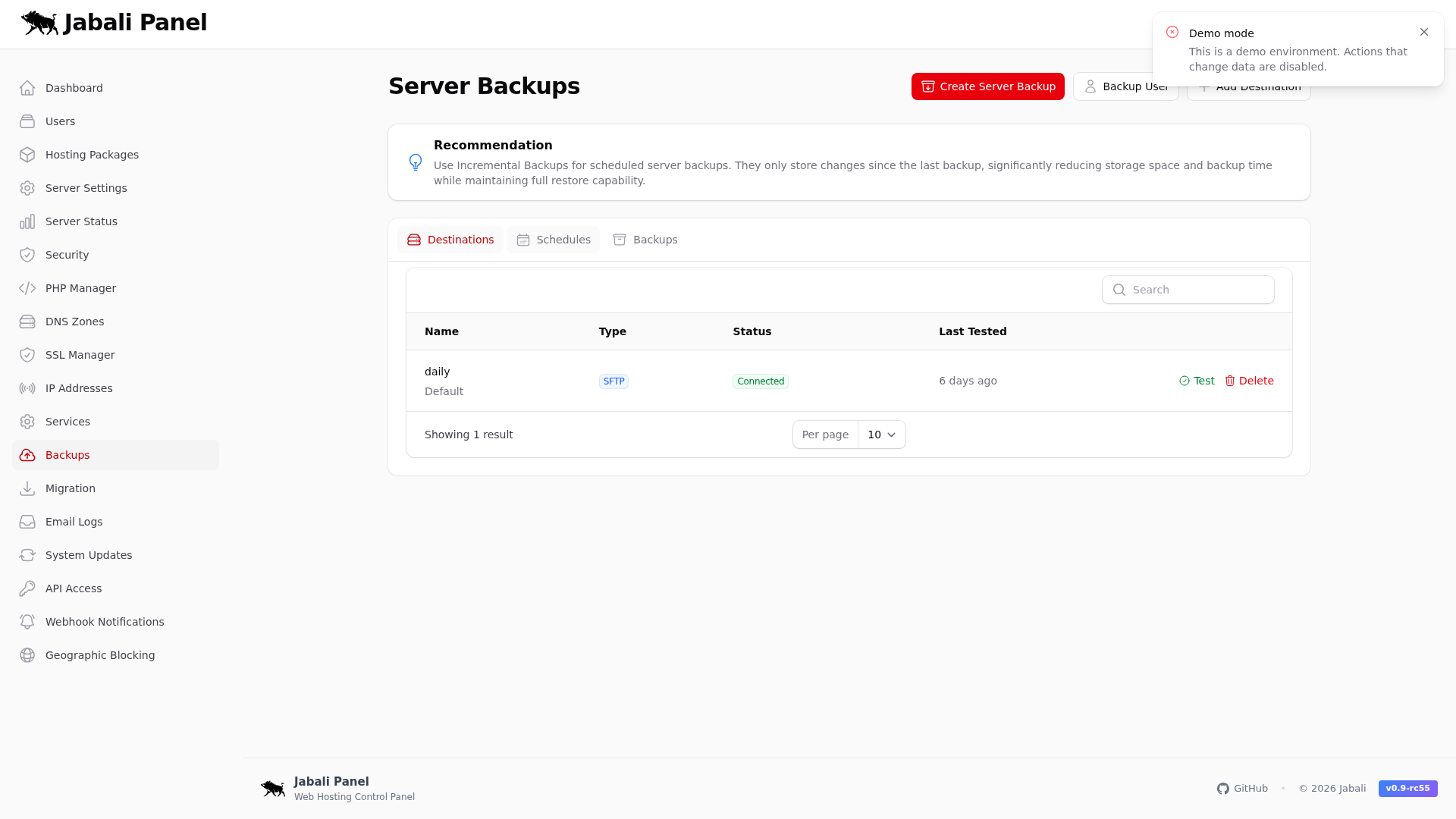
Example:
- Review schedules settings during onboarding or troubleshooting.
Backups
Backup history and run logs.
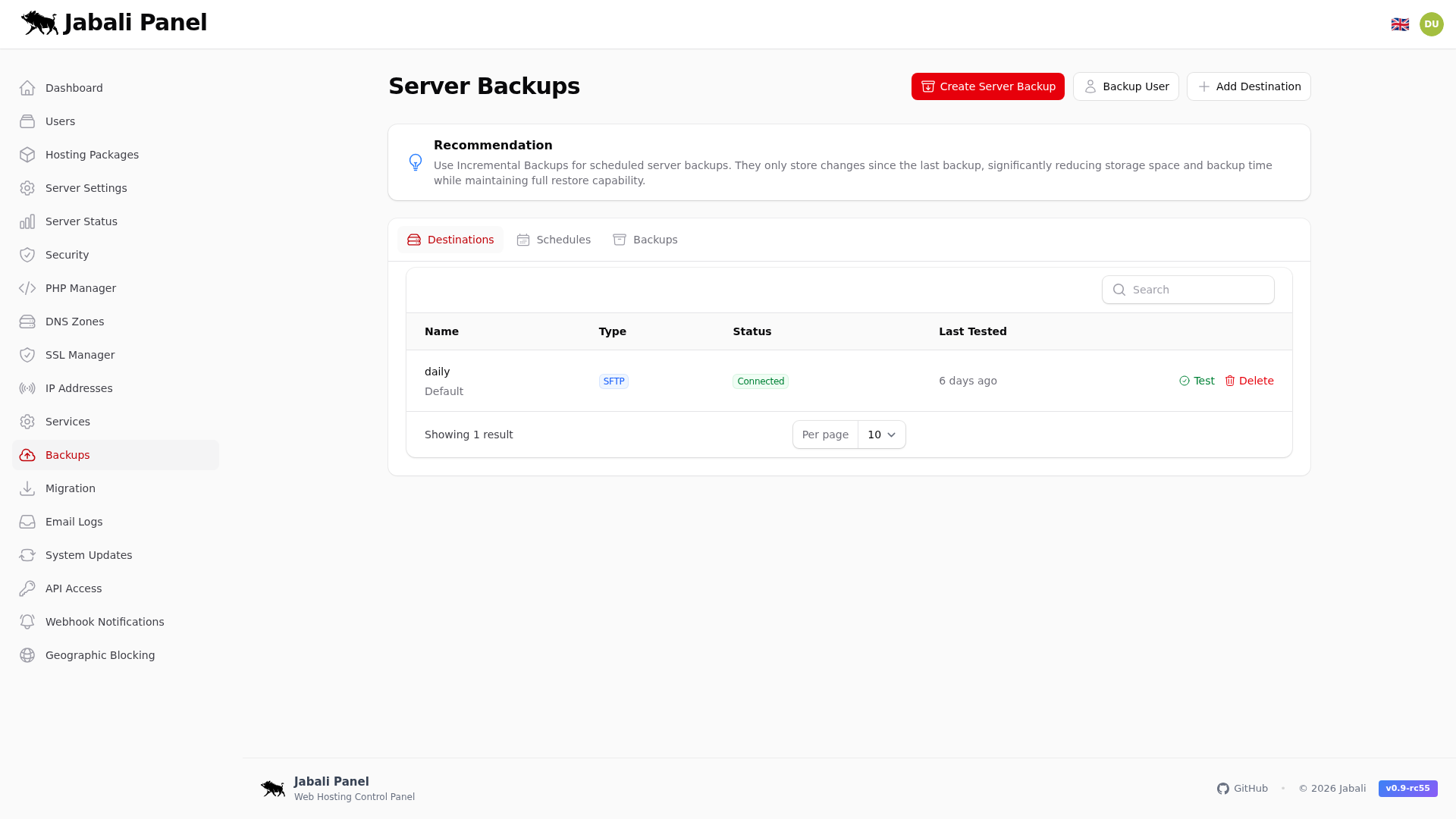
Example:
- Review backups settings during onboarding or troubleshooting.