Server Settings
Central configuration for global DNS, storage, notifications, and runtime defaults. Make changes carefully and verify the impact on existing sites.
Screenshot
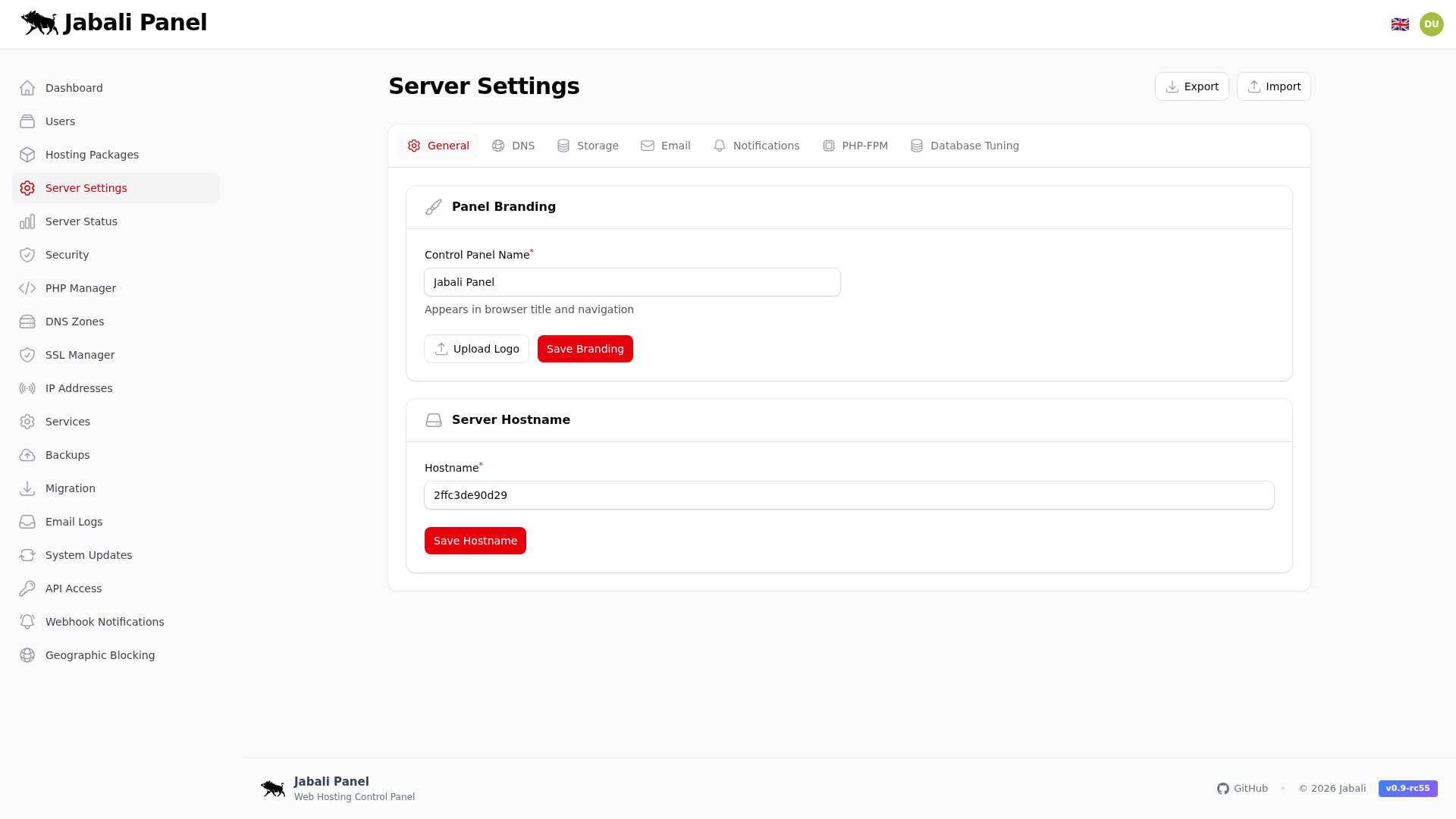
What this page does
- Central configuration for global DNS, storage, notifications, and runtime defaults.
- Add notification recipients before production go-live.
- Tune PHP-FPM defaults if performance needs adjustment.
Typical examples
- First-time setup of server Settings using recommended defaults.
- Updating an existing configuration and validating the result.
- Troubleshooting a common issue and confirming the fix.
Tabs
This page contains tabs. Each tab is captured and explained below.
General
Base panel identity, system defaults, and global settings.
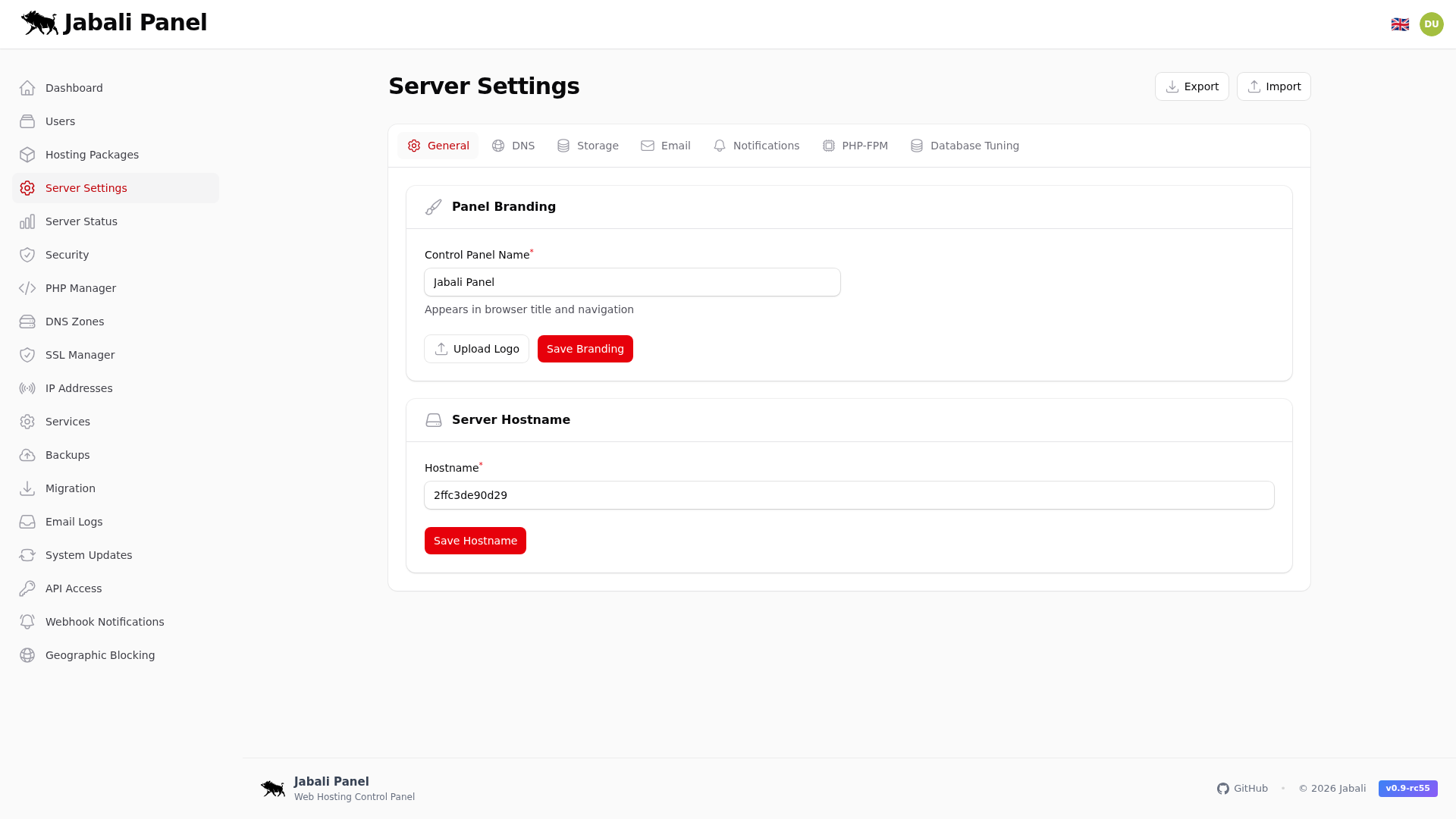
Example:
- Review general settings during onboarding or troubleshooting.
DNS
Nameserver and DNS behavior configuration.
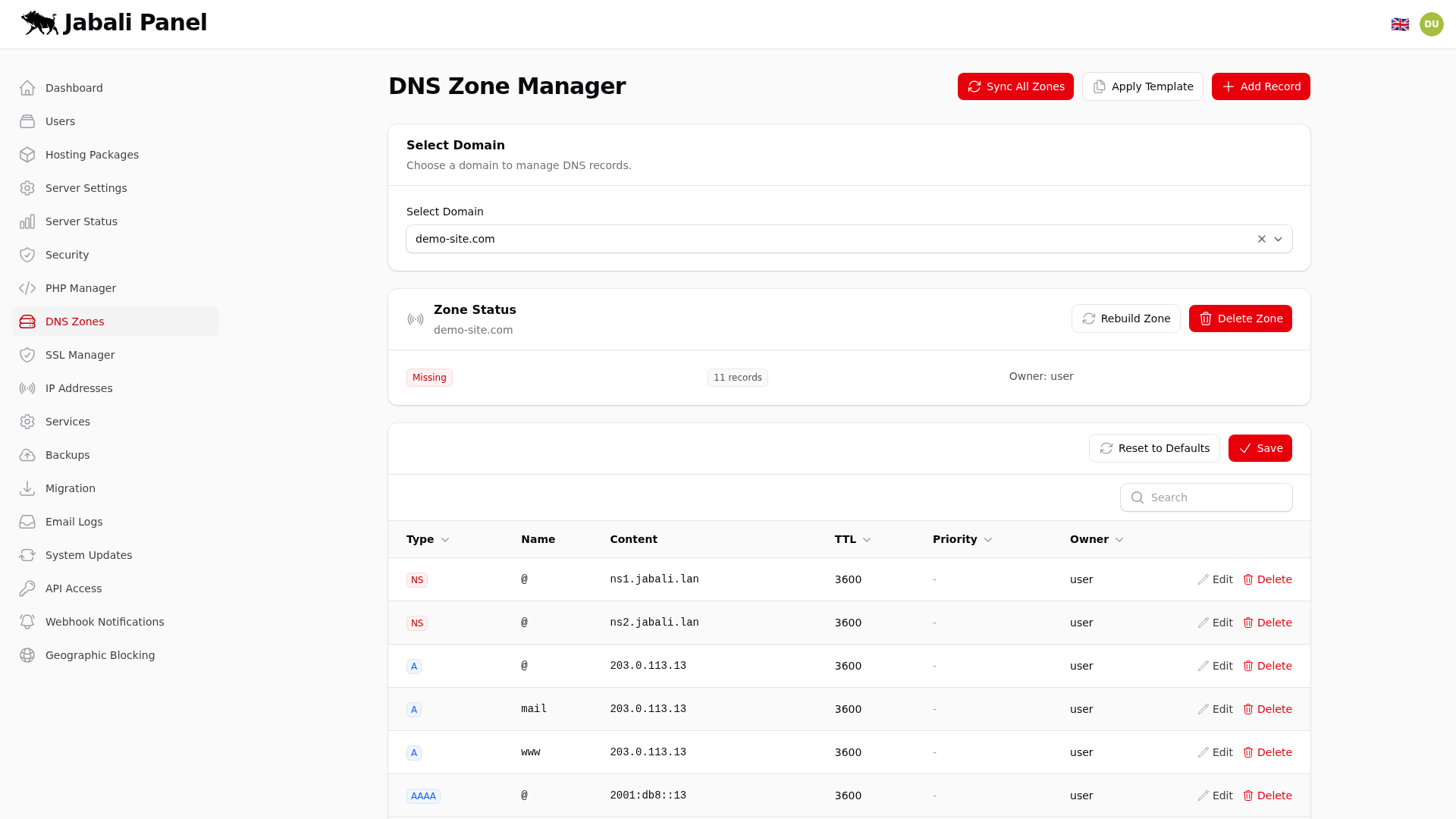
Example:
- Review dns settings during onboarding or troubleshooting.
Storage
Disk and backup storage settings.
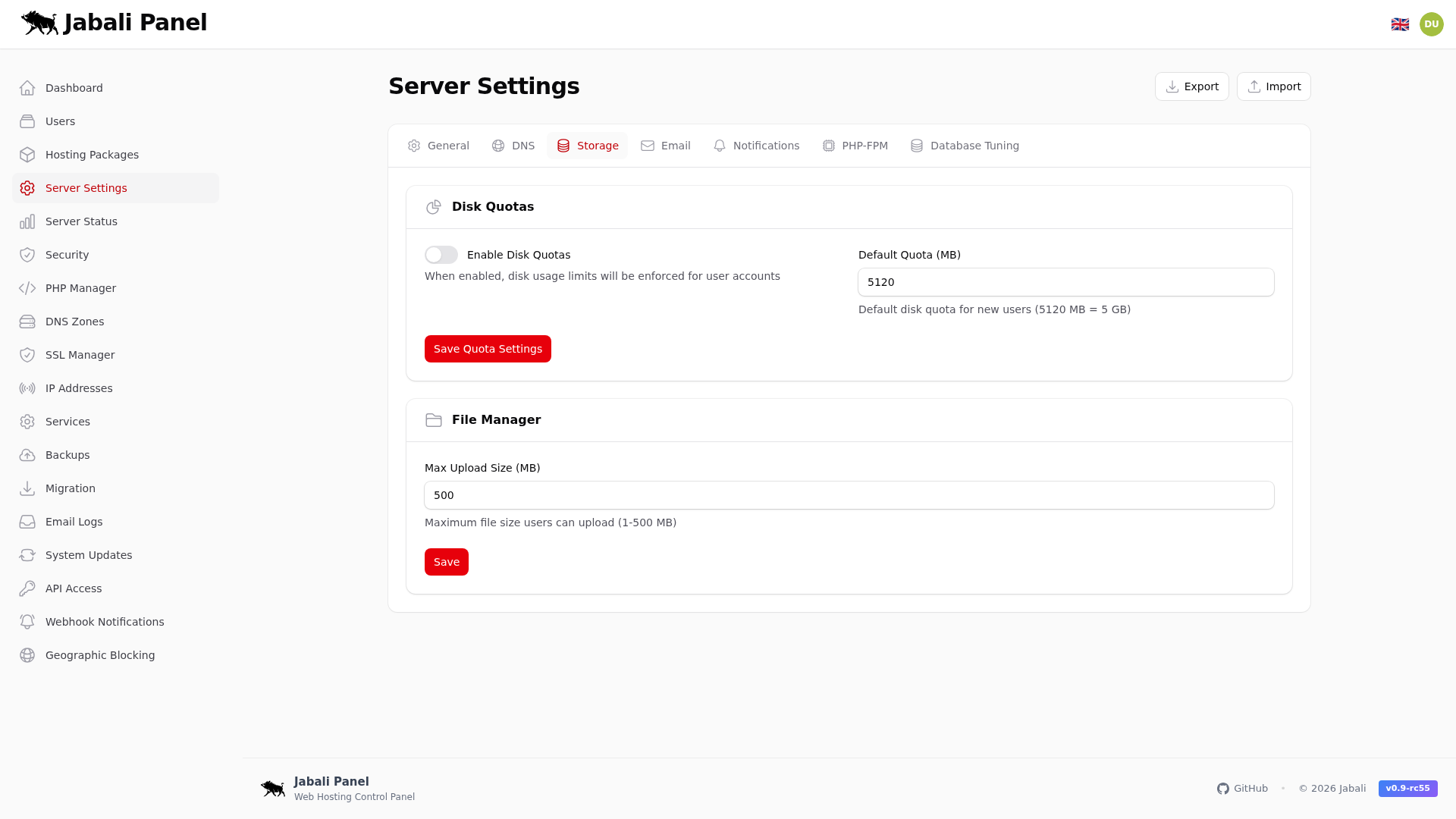
Example:
- Review storage settings during onboarding or troubleshooting.
Mail defaults and system mail configuration.
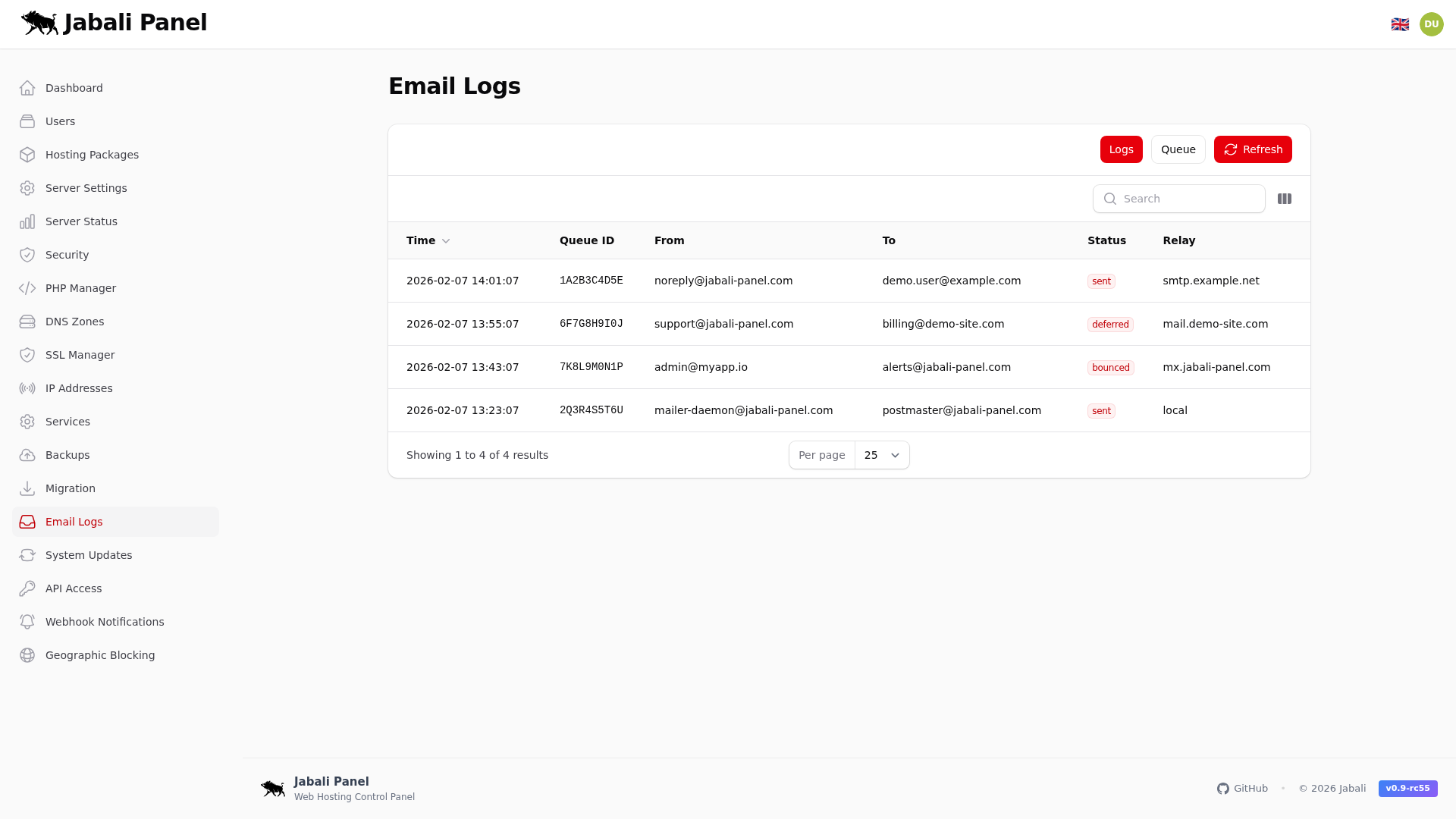
Example:
- Review email settings during onboarding or troubleshooting.
Notifications
Alert destinations, thresholds, and notification toggles.
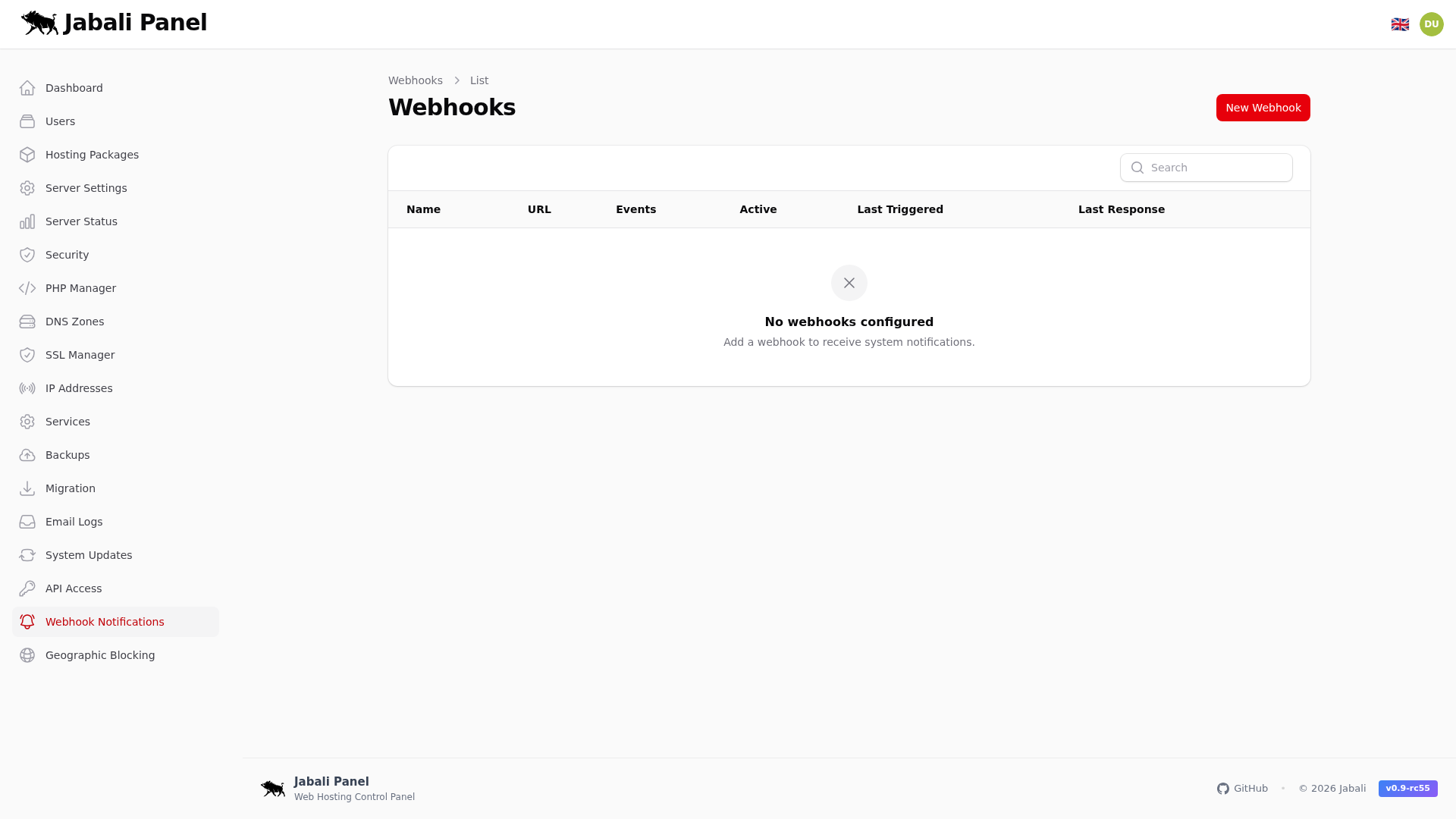
Example:
- Review notifications settings during onboarding or troubleshooting.
PHP-FPM
Runtime defaults for PHP-FPM pools and limits.
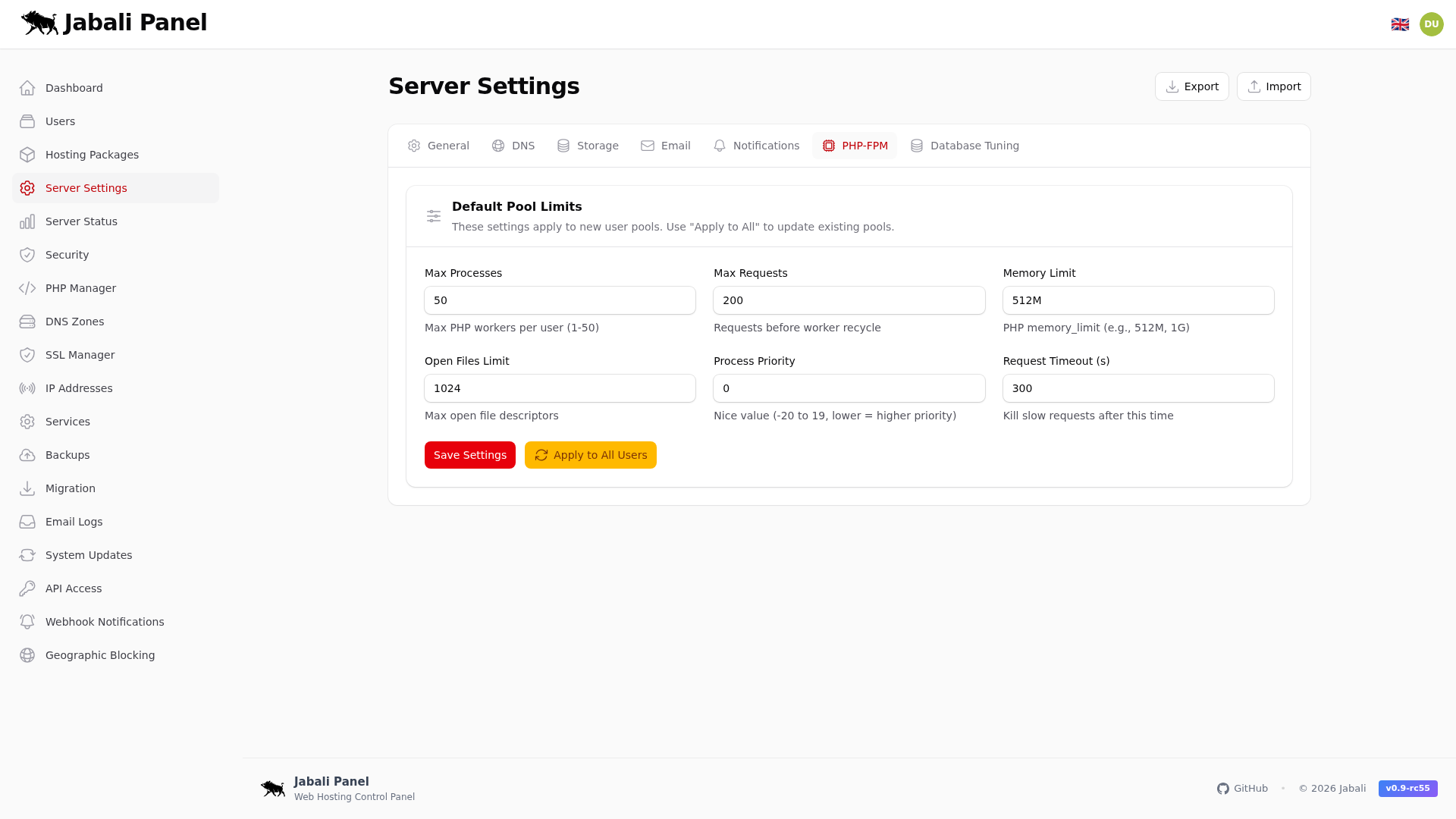
Example:
- Review php-fpm settings during onboarding or troubleshooting.
Database Tuning
MariaDB and database performance parameters.
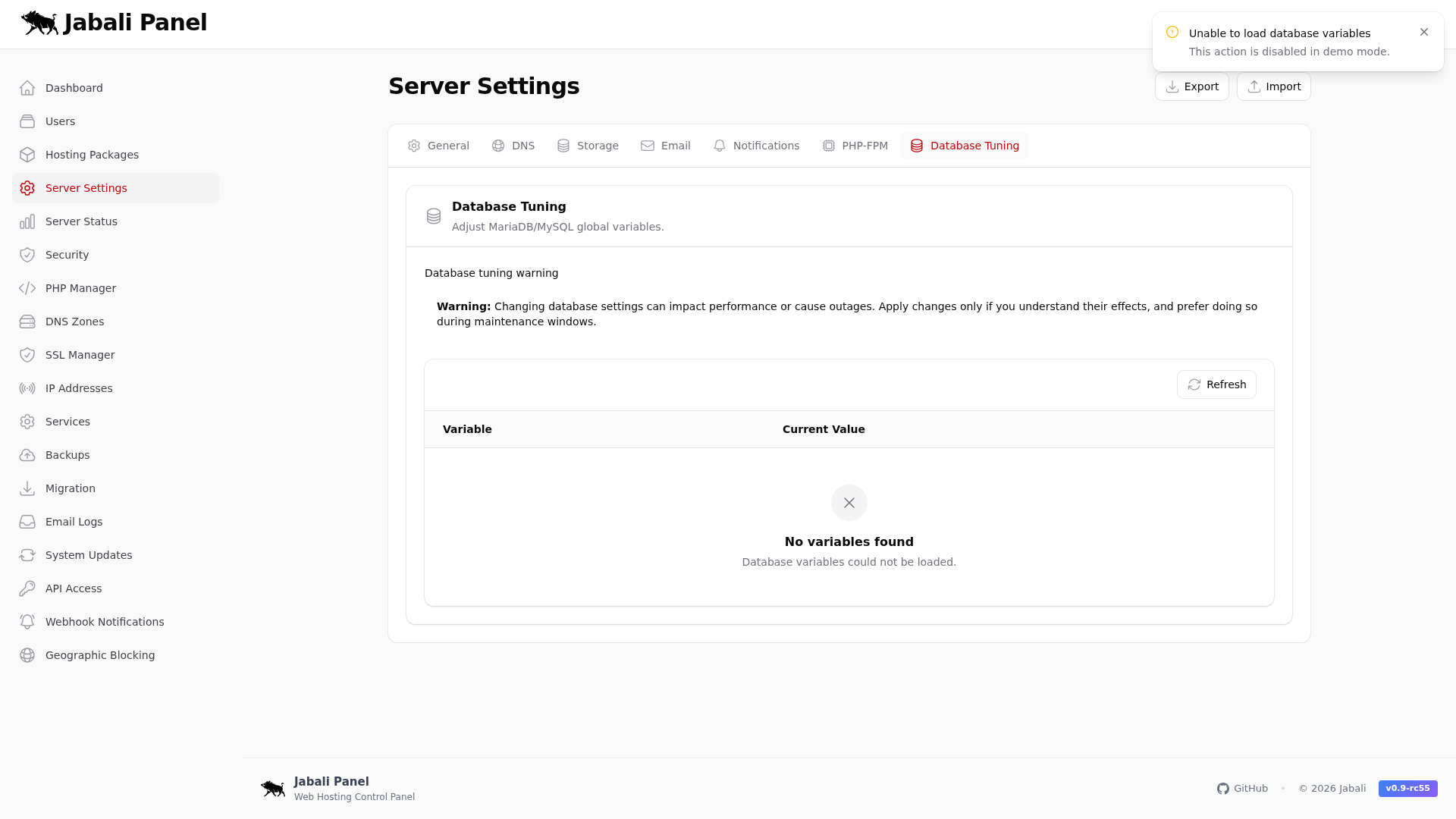
Example:
- Review database tuning settings during onboarding or troubleshooting.