Dashboard
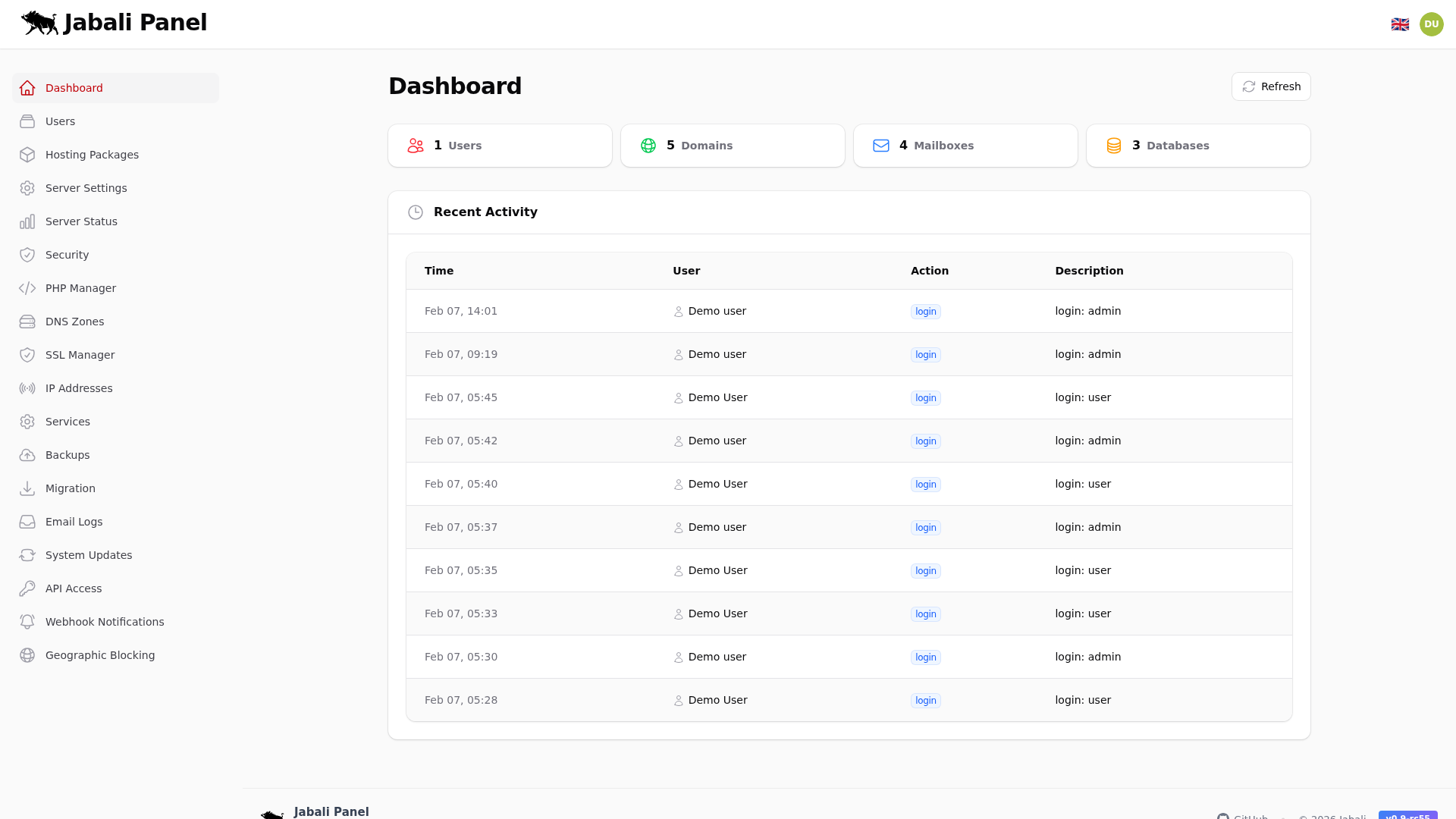
This dashboard summarizes key activity and server status for quick checks. Use it to spot anomalies fast and jump to the relevant subsystem.
Screenshot
What this page does
- This dashboard summarizes key activity and server status for quick checks.
- Review health cards and activity to confirm the server is stable.
- Use refresh to re-poll stats after maintenance.
Typical examples
- First-time setup of dashboard using recommended defaults.
- Updating an existing configuration and validating the result.
- Troubleshooting a common issue and confirming the fix.