Dashboard
Use this page to manage dashboard in Jabali Panel. It covers the core actions, common workflows, and quick checks to confirm the change worked. It walks through the core settings, common workflows, and the checks to run after changes so you can confirm everything is working. Use it when setting up, updating, or troubleshooting dashboard.
Screenshot
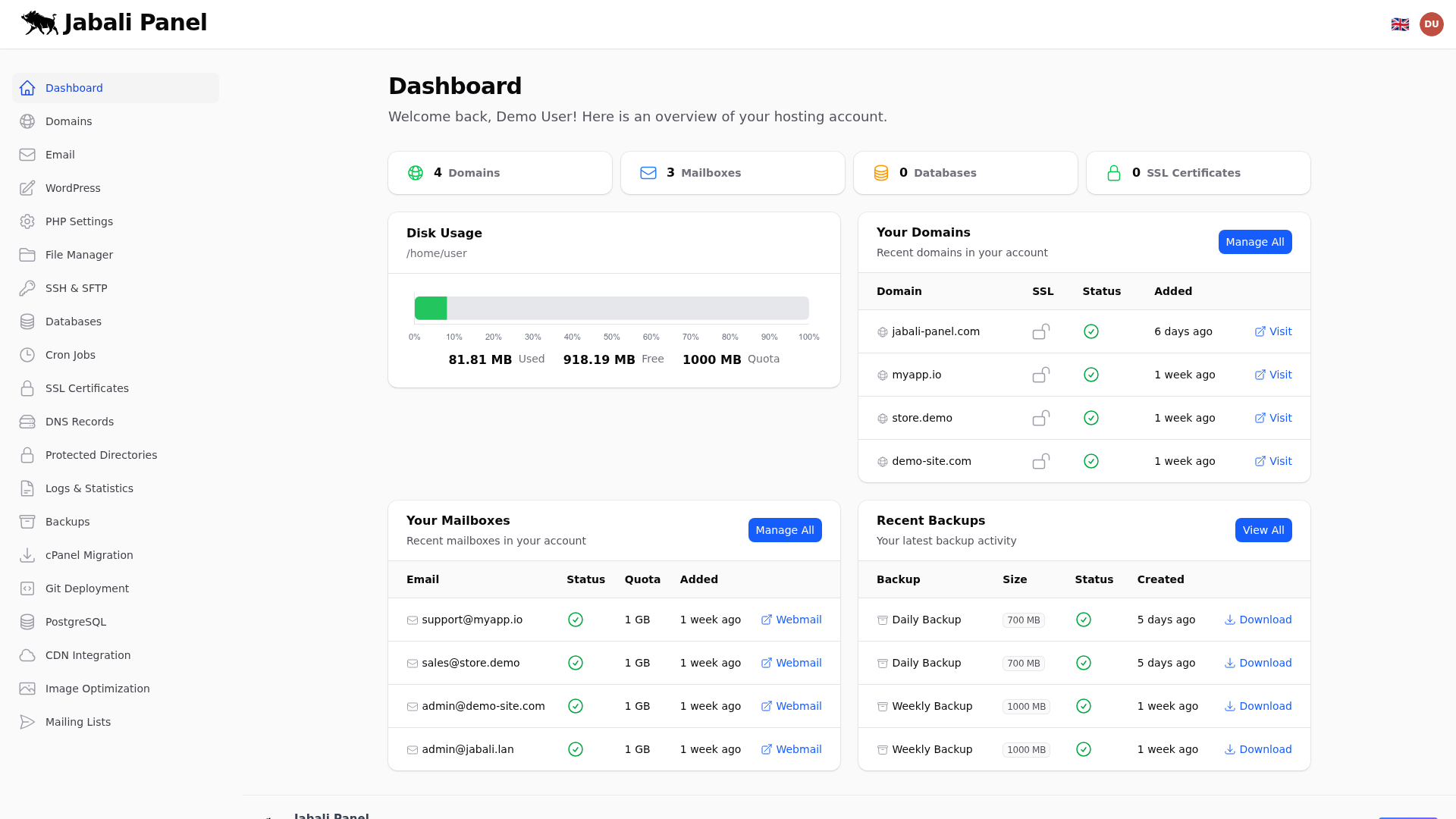
What this page does
- Explains how to manage dashboard in Jabali Panel and where the relevant controls live.
- Highlights the settings that most affect reliability, security, and performance.
- Provides verification steps so you can confirm the change took effect.
Typical examples
- First-time setup of dashboard using recommended defaults.
- Updating an existing configuration and validating the result.
- Troubleshooting a common issue and confirming the fix.